

Imagine this: the alarm blares like a siren at dawn, and all you want is five more minutes of blissful sleep. Enter the snooze feature on the iPhone, your trusty sidekick in the battle against morning grogginess. It’s like a magical button that grants you a brief reprieve from reality, allowing you to drift back into dreamland—if only for a few precious moments.
But what exactly is snooze on the iPhone? It’s not just a button; it’s a lifeline for those who believe that every minute counts. With a simple tap, users can pause their morning dread and embrace the sweet embrace of sleep, even if it’s just for a little while longer. In this article, we’ll dive into the ins and outs of this delightful feature, helping you master the art of snoozing like a pro.
What Is Snooze on iPhone?
Snooze on iPhone refers to a feature in the Alarm app that allows users to delay their alarms temporarily. When an alarm sounds, tapping the snooze button grants an additional 9 minutes of sleep before it goes off again. This feature caters to individuals who find it hard to wake up immediately.
Users can access the snooze option by tapping the “Snooze” button on their device’s screen. Activating the snooze feature can happen multiple times if desired, offering a quick reprieve from waking reality.
Adjusting the snooze function is simple. Open the Clock app, select the Alarm section, then tap “Edit” on the alarm in question. From there, users can toggle the snooze option on or off based on personal preference.
Many find this feature beneficial for easing into the morning gradually. Engaging with the snooze function provides just enough time to gather thoughts or maintain comfort before fully getting out of bed.
For optimal use, understanding how to customize alarm settings enhances morning routines. Users can set alarms for specific days or adjust the volume and sound, which complements the snooze feature effectively.
How Snooze Works
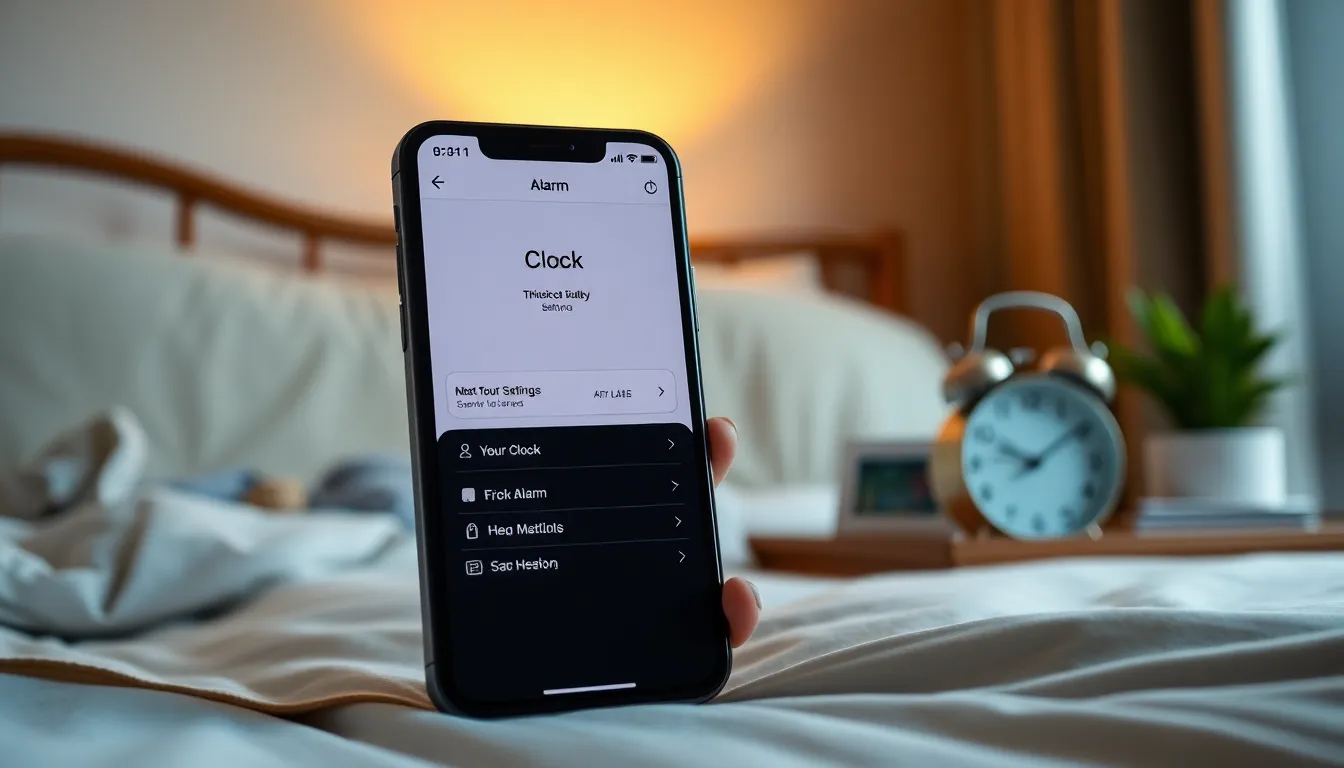
Snooze allows iPhone users to take short naps in the morning after their alarms ring. This feature proves valuable for those who find it challenging to wake up all at once.
Setting Up Snooze
Setting up snooze is simple. Users open the Clock app, tap the Alarm tab, and create a new alarm. Activation of the snooze option occurs during the alarm setup. Once selected, tapping the “Snooze” button when the alarm rings provides an extra nine minutes of sleep. Accessibility of this feature caters to various preferences, enhancing the overall waking experience.
Customizing Snooze Duration
Customizing snooze duration offers flexibility. By default, snooze adds nine minutes, but this setting isn’t directly adjustable within the iPhone’s standard features. Users may need to explore third-party alarm apps for longer snooze durations. Choices for those adjustments can lead to more tailored morning routines, accommodating individual sleep patterns. Seeking custom durations helps users align their wake-up times with personal comfort, creating a smoother transition from sleep to wakefulness.
Benefits of Using Snooze
Snooze on iPhone enhances morning routines by offering brief extensions of sleep. Users benefit from a gradual transition into wakefulness, making it easier to rise without feeling jarring effects. Five key benefits include the following:
- Extra Rest: Granting users additional sleep allows for improved energy levels throughout the day.
- Reduced Stress: Easing into the morning routine mitigates stress associated with abrupt awakenings.
- Increased Productivity: Improved mental alertness from those extra minutes can lead to heightened productivity during morning tasks.
- Customization: Users can personalize snooze options based on their preferences, tailoring the experience to their unique sleep cycles.
- Improved Mood: Enhanced sleep quality can lead to better overall mood and emotional well-being after waking.
Snooze effectively addresses the challenges of early mornings. Some users may find value in the ability to control how much time they spend resting or transitioning from sleep. While the default snooze period is nine minutes, iPhone users can always explore third-party alarm apps for greater flexibility. It’s not just a feature; it’s an essential tool for those who need a gentle nudge to embrace the day ahead.
Common Mistakes with Snooze
Using the snooze feature on an iPhone can lead to several common mistakes. Relying too heavily on snooze can disrupt sleep patterns. Tapping the snooze button repeatedly creates a false sense of rest, causing drowsiness throughout the day.
Underestimating the impact of snooze on morning routines may occur. Avoiding a consistent wake-up time can hinder overall sleep quality. Many users overlook setting multiple alarms to create a gradual wake-up process.
Ignoring the alarm tone also adds to the challenges. Choosing a jarring sound may trigger stress instead of easing into waking up. Selecting more soothing tones can facilitate a smoother transition from sleep to wakefulness.
Assuming snooze provides adequate rest is another common error. Realistically, nine extra minutes may not be sufficient for restful sleep. Some users may benefit from adjusting their sleep schedule rather than relying on the snooze feature.
Neglecting to customize alarm settings may limit efficiency. Exploring third-party apps could offer better snooze options tailored to individual preferences. Finding a balance between convenience and the need for adequate rest enhances morning wakefulness.
Skipping the time spent evaluating sleep habits proves detrimental. Taking time to assess nocturnal patterns can improve morning energy levels. Noticing how often the alarm gets snoozed can also indicate sleep quality.
Understanding these common mistakes leads to a better alarm experience. Making informed adjustments helps optimize the use of the snooze feature, ensuring a more productive and refreshing start to the day.
The snooze feature on the iPhone is a practical tool for anyone who struggles to rise in the morning. By allowing users to enjoy a few extra minutes of sleep, it makes waking up less daunting. Customizing alarm settings can enhance the overall experience and help create a smoother transition into the day.
While the snooze function offers benefits like reduced stress and improved mood, it’s essential to use it wisely. Over-reliance can disrupt sleep patterns and lead to grogginess. By understanding how to effectively utilize the snooze option, users can optimize their mornings and set the tone for a more productive day ahead. Embracing this feature thoughtfully can transform the wake-up routine into a more pleasant experience.